Back again with the News Dispatch Corner from Chubby Mom’s correspondent. Today I’ll introduce a newly unveiled product from the ChatGPT company OpenAI called ChatGPT Atlas. Let’s take a detailed look together at what ChatGPT Atlas is, what features it offers, and its pros and cons!

Below is a table of contents that allows you to jump directly to the section you want — please use it for your convenience.
[목차]
What is ChatGPT Atlas?

ChatGPT Atlas, released by OpenAI (the company behind ChatGPT) in October 2025, is a web browser — but one that completely redefines the traditional concept of browsing.
Unlike conventional browsers that rely solely on a search bar to find information, ChatGPT Atlas allows users to explore, understand, and interact with the web alongside AI. It integrates OpenAI’s flagship model, ChatGPT, deeply within the browser, enabling users to ask questions, get summaries, edit documents, and even automate new tasks directly while browsing the web.
The initial version was released for macOS, with Windows, iOS, and Android versions scheduled to follow. Built on the Chromium engine (the same foundation used by Google Chrome), Atlas supports existing extensions and web structures, making it familiar to use while providing a revolutionary AI-centered web experience.
The term “Chromium-based” means that ChatGPT Atlas uses the same underlying technology as Google Chrome. Chrome itself was developed on the open-source Chromium project, which functions as the core engine that reads and renders websites. Anyone can build a new browser on top of this engine — and that’s exactly what OpenAI did with Atlas. Other browsers such as Microsoft Edge, Brave, and Opera are also Chromium-based. Because of this, Atlas delivers similar speed and website compatibility as Chrome, while offering an entirely new, AI-driven approach to browsing.
Supported Platforms (Operating Systems) and Release Schedule for ChatGPT Atlas

- Currently supported : macOS
- Upcoming support : Windows, iOS, Android
As of October 22, 2025, ChatGPT Atlas officially became available for macOS users. Those using macOS can download and start using ChatGPT Atlas immediately. Support for other operating systems (OS) such as Windows, iOS, and Android will be provided through future updates.
A download link for ChatGPT Atlas is available on the official ChatGPT website — check it out here! → (ChatGPT Atlas)
Main Features of ChatGPT Atlas
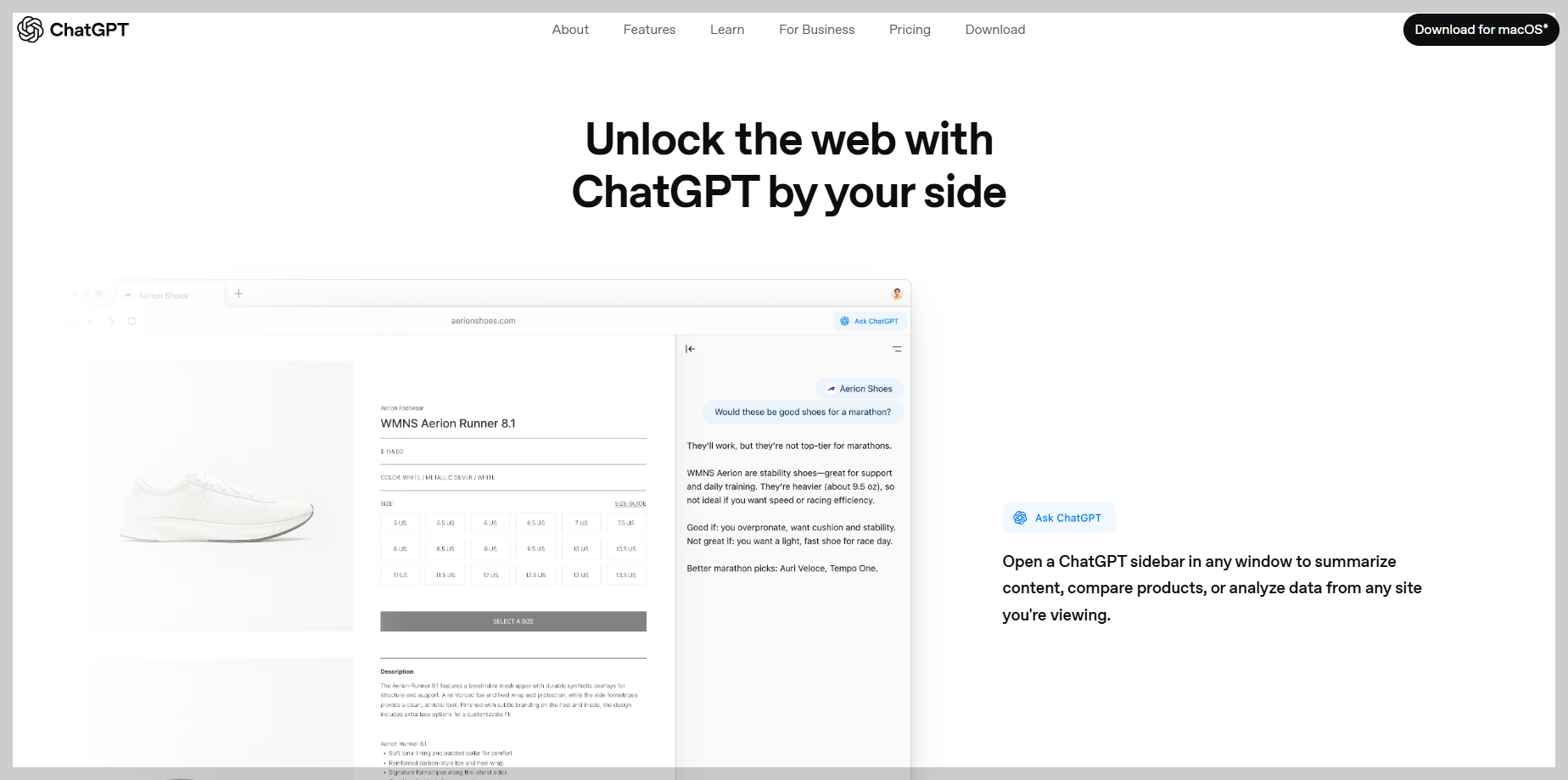
ChatGPT Atlas offers several distinctive features, including interactive AI integration, memory capability, agent mode, split-screen view, and cursor chat.
The table below summarizes each feature in detail:
| No. | Feature | Description |
| 1 | Interactive AI Integration | ChatGPT Atlas allows users to interact with AI in real time while browsing the web. This enables easy tasks such as summarizing web pages, searching for information, or editing content. |
| 2 | Memory Function | It remembers users’ previous conversations and preferences to provide a personalized experience. For instance, it can automatically track and suggest frequently visited websites or topics of interest. |
| 3 | Agent Mode | When agent mode is activated, ChatGPT can automatically perform tasks on behalf of the user—such as booking trips, editing documents, or filling out forms. |
| 4 | Split-Screen and Cursor Chat | This feature allows users to view both the web page and ChatGPT conversation simultaneously. Additionally, users can chat directly within the webpage using the “cursor chat” feature, which anchors conversation to specific parts of the page. |
(Feature Detail 1) The Birth of Conversational Browsing – Exploring the Web with ChatGPT

The most distinctive feature of ChatGPT Atlas is Conversational Browsing. Through this feature, users can explore web pages while simultaneously conversing with ChatGPT. For example, if you’re reading a news article and say, “Summarize the main points of this article,” Atlas will analyze the content and instantly provide a summary. Similarly, if you ask, “Find similar articles,” it will automatically search for related materials.
This is something that traditional browsers couldn’t do — users no longer need to copy and paste text or open multiple tabs to compare information. It’s an entirely new, seamless way to interact with the web.
Atlas displays both the web page and the ChatGPT conversation side by side in a split-screen (Split View) layout. This allows users to read web content on one side and receive real-time AI feedback on the other. Moreover, the Cursor Chat feature enables users to click directly on any sentence within a webpage and ask specific questions about that part.
Thanks to these features, users can explore and understand information more interactively, using AI as a kind of real-time guide or commentator while browsing the web.
(Feature Detail 2) Agent Mode – The Era of AI Acting on Your Behalf
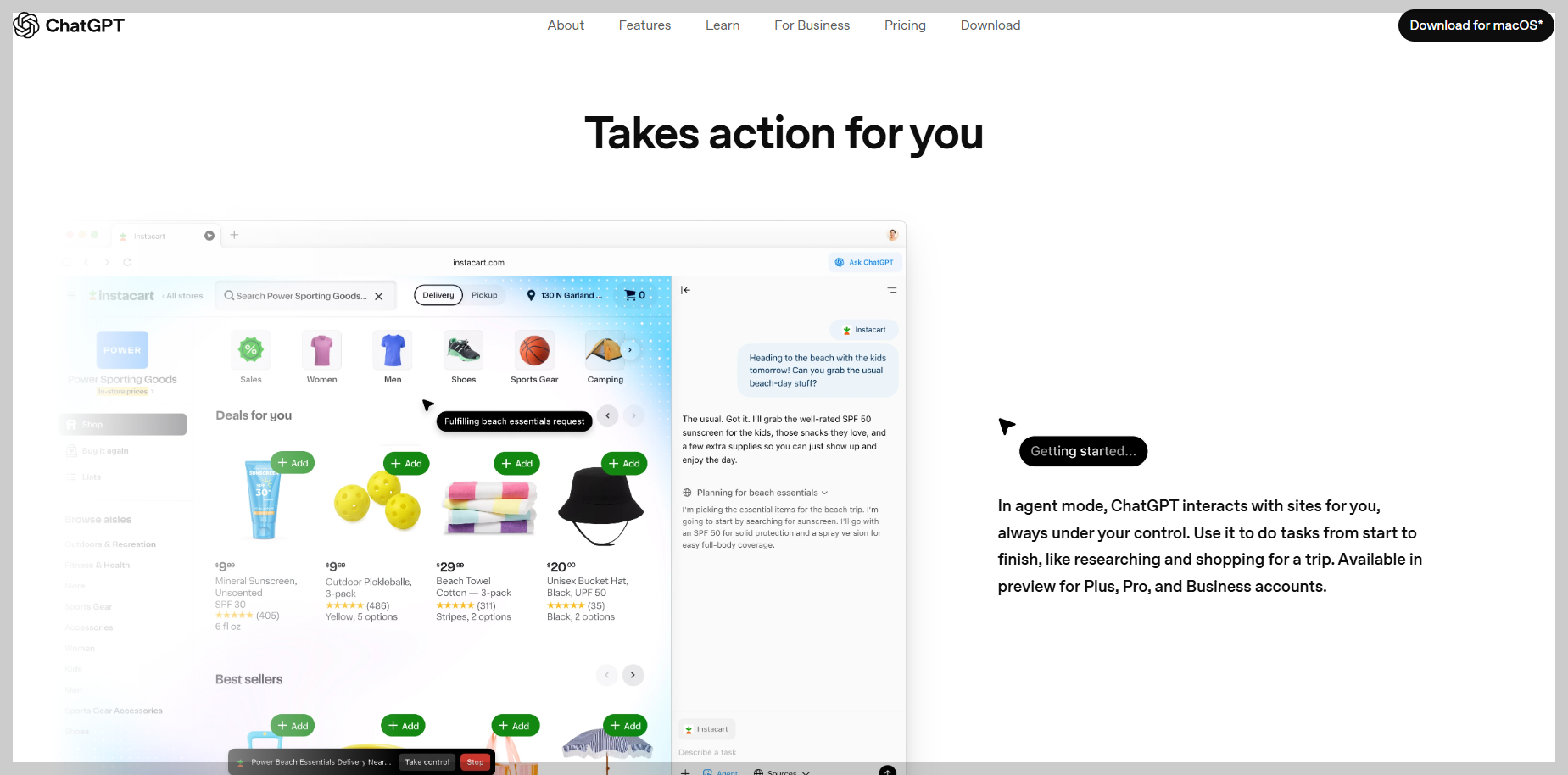
ChatGPT Atlas includes a powerful feature called Agent Mode. When activated, ChatGPT can perform multiple steps automatically on behalf of the user. For example, if you type, “Find flights and accommodation for a 3-night, 4-day trip from Seoul to Osaka,” Atlas can browse multiple websites, compare flight prices, organize lodging options, and present a draft travel plan. It can also handle repetitive tasks like document preparation, online form filling, data collection, and shopping checkout, making web interaction much more convenient.
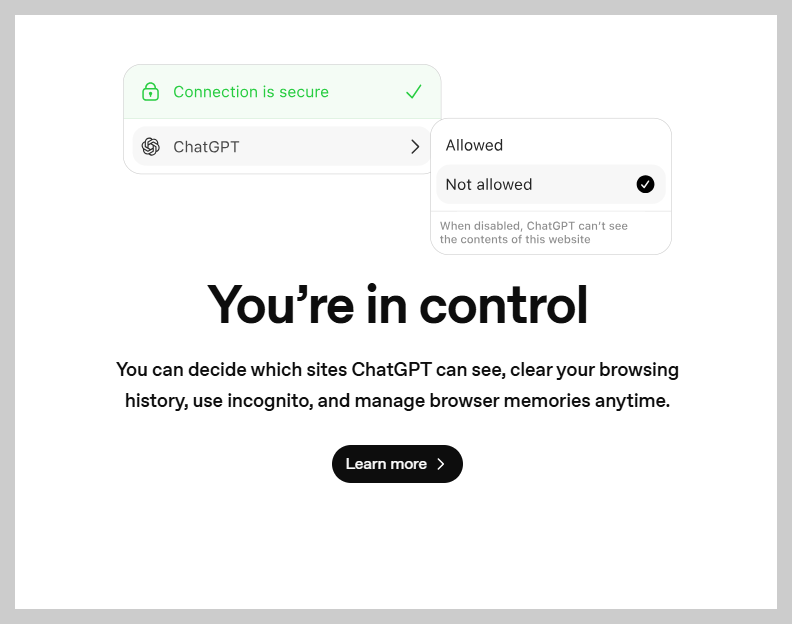
Since these tasks involve personal data and login sessions, OpenAI has implemented various security measures for Agent Mode. Users can set permissions and define the scope of what the AI can access and perform in advance, and they can revoke access instantly whenever necessary.
Agent Mode goes beyond simple convenience—it symbolizes the beginning of an era where AI can act on behalf of users in their web activities, effectively serving as a digital assistant that executes complex workflows automatically.
(Feature Detail 3) Browser Memory and Privacy – Balancing Personalization and Security
Another key technology in ChatGPT Atlas is Browser Memory. This feature remembers a user’s previous activities, interests, frequently visited websites, and conversation history to provide a personalized browsing experience. For instance, if a user often searches for “health-related news,” Atlas can prioritize health articles, provide automatic summaries, and even analyze patterns to streamline repetitive tasks.
However, this convenience raises the important issue of privacy. To address this, OpenAI allows users to turn off or delete memory at any time, and by default, browsing data is not used for model training.
Although Atlas discloses transparent policies to protect user data, the very structure—where AI can access browsing history and login sessions—remains a topic of discussion among security experts. Therefore, Atlas faces the ongoing challenge of balancing convenience with personal data protection.
ChatGPT Atlas: Advantages and Limitations – Convenience vs. Reliability
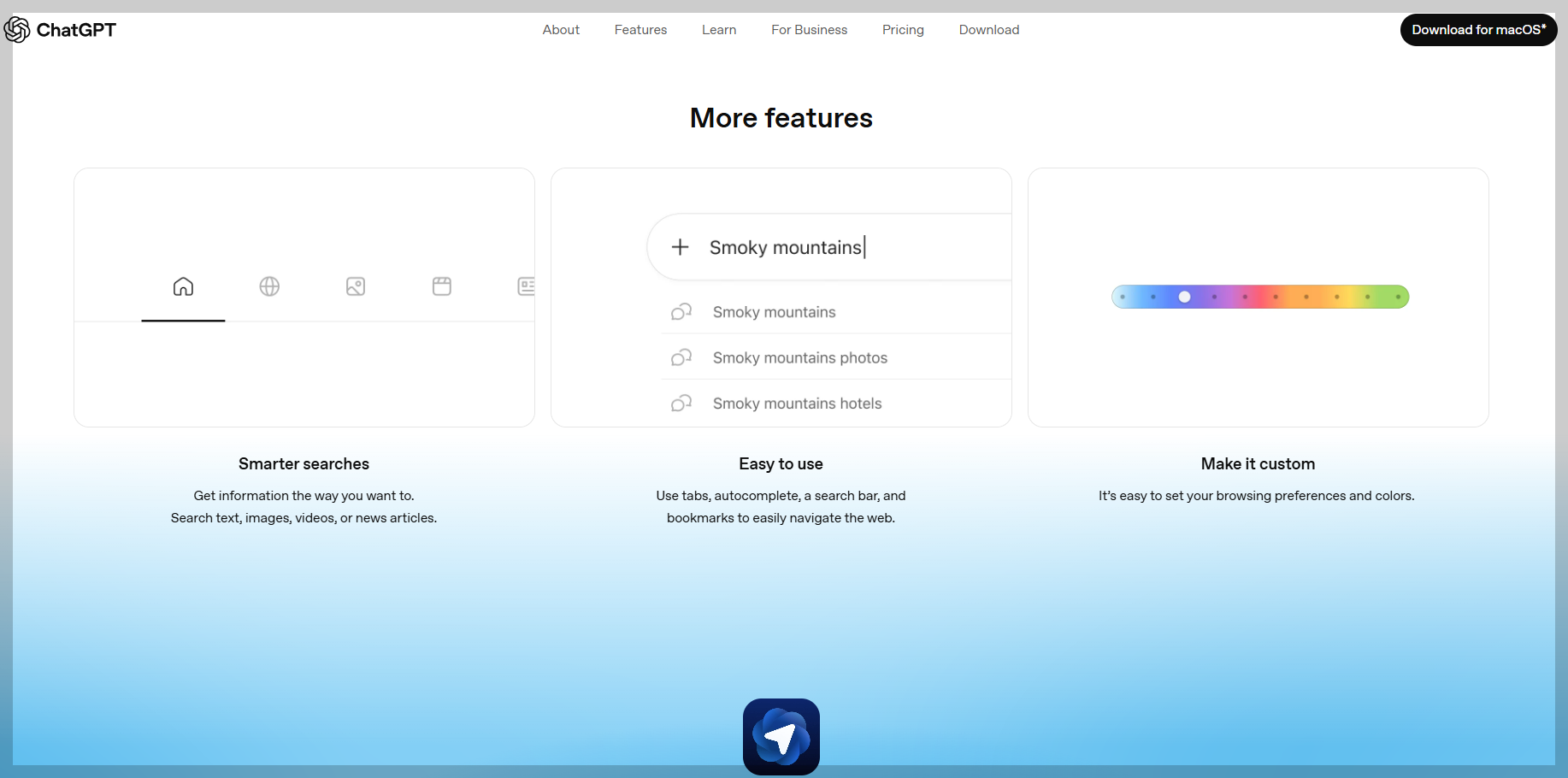
- Advantages : ChatGPT Atlas allows users to complete numerous tasks—web searches, information organization, document summarization, translation, comparison, and writing assistance—within a single interface. This dramatically speeds up information gathering, and because ChatGPT maintains context while explaining complex topics, productivity can be significantly improved. For content creators, students, office workers, and researchers, Atlas can serve as a powerful tool to reduce repetitive tasks.
- Limitations : However, the summaries and interpretations provided by AI are not 100% accurate, posing a risk of presenting false information as fact (so-called “AI hallucinations”). Legal issues remain unresolved when automatically summarizing or rewriting news articles, academic papers, or copyrighted content. Additionally, the browser’s access to login sessions raises security and privacy concerns.
Ultimately, the success of ChatGPT Atlas depends on how effectively it can enhance AI accuracy and maintain user trust.
AI-Integrated Browser Competition and Future Outlook
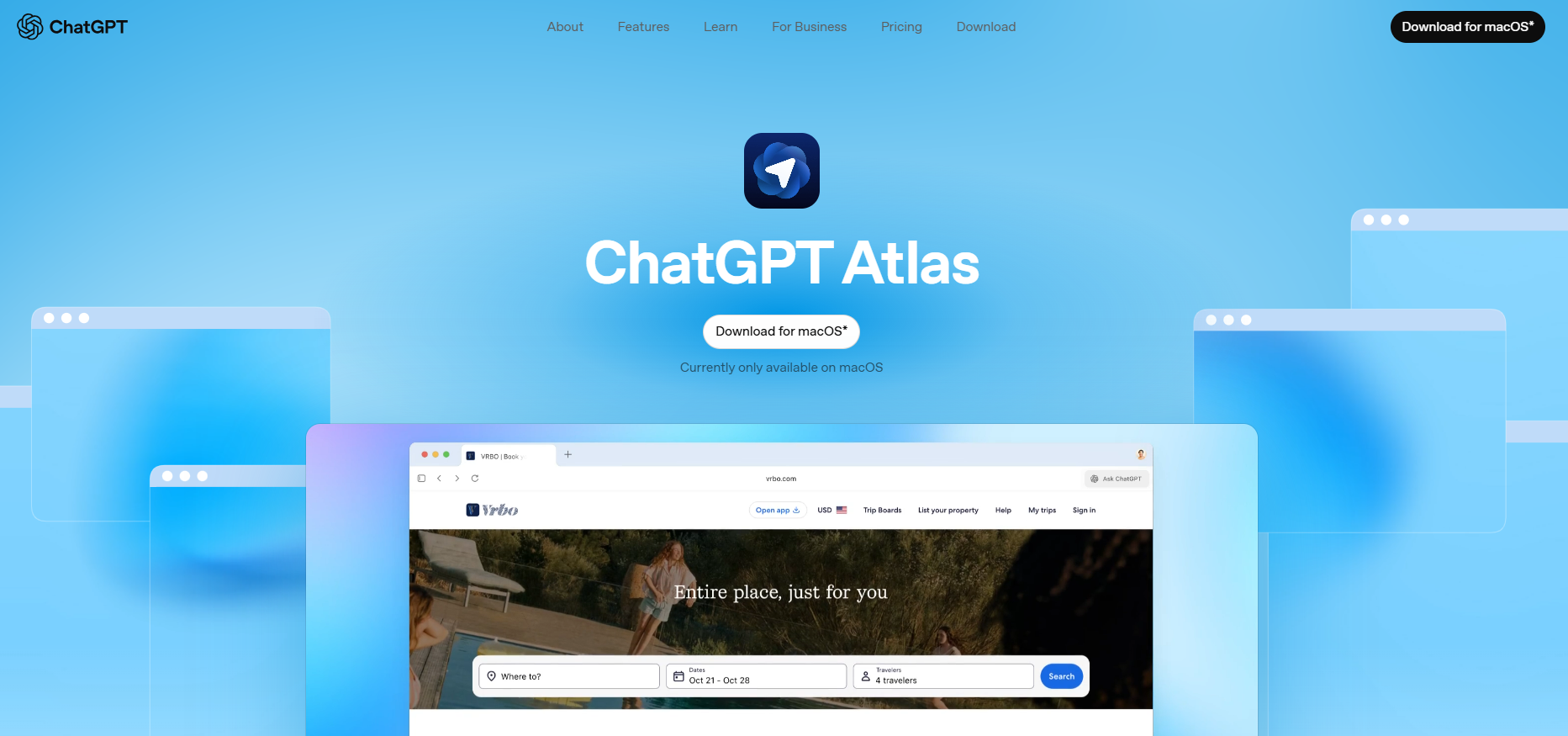
ChatGPT Atlas is currently competing with other AI-integrated browsers such as Perplexity’s Comet, The Browser Company’s Arc, Opera, Brave, and Microsoft Edge’s Copilot. However, Atlas differs from these browsers because it is not merely an existing browser with added AI features—its core structure is designed around AI from the ground up.
OpenAI has announced plans to use Atlas for web exploration, workflow automation, and content creation, aiming in the long term to create a browser ecosystem where AI actively participates in human digital activities. Of course, this transformation involves more than just technical challenges; it raises social issues like copyright, data security, and information accuracy.
The future of this technology will largely depend on how transparently and safely Atlas builds user trust. Nevertheless, it is clear that ChatGPT Atlas represents a major turning point in web browsing, potentially reshaping the way we navigate and interact with the internet.
Today, we took a detailed look at ChatGPT Atlas, the new product recently released by OpenAI. Until now, web browsing mainly involved typing keywords into a search bar and clicking through results, but ChatGPT Atlas is changing that pattern. Instead of just entering keywords, users can now explore the web through conversational interaction with AI.
This means that users are no longer passive consumers of information—they are evolving into active participants who understand, judge, and act alongside AI. ChatGPT Atlas represents the first browser to symbolize this shift, and it is likely to change the way we interact with and view the internet in the future.
I hope this post has been helpful to everyone curious about ChatGPT Atlas.
That’s it for today… Bye!